Desk-fan thumbnail: the actual brief, output and review
A real SocialThumbPro generation with exact inputs, the original download, a screw-detail review and a concrete next revision.
ReadA practical export checklist for widescreen thumbnails, mobile upload limits, small previews, and SocialThumbPro downloads.
SocialThumbPro’s Generate page offers a YouTube preset labelled 1280×720. Treat that as a layout request: the AI provider can return a different pixel size. Download the image and inspect its actual dimensions before publishing. Changing a filename to .png does not resize or convert an image.
For ordinary video thumbnails, YouTube currently recommends 3840×2160, a minimum width of 640 pixels, and a 16:9 ratio. JPG and PNG are listed formats. Its current upload limits differ by device: 2 MB on mobile and 50 MB on desktop. Check the linked official instructions when you publish; platform requirements can change.
Suppose your downloaded file is 1536×1024 and 2.8 MB. Its ratio is 3:2, so it needs a composition decision before becoming a widescreen thumbnail. Cropping that file to 1536×864 removes 160 pixels of vertical space. If the headline sits near the top edge, a centre crop may cut it off.
Open the free Thumbnail Checker, choose the ordinary-video preset, and inspect both the full artwork and the small preview. The checker reports dimensions and file size; it does not rewrite your file or certify YouTube approval.
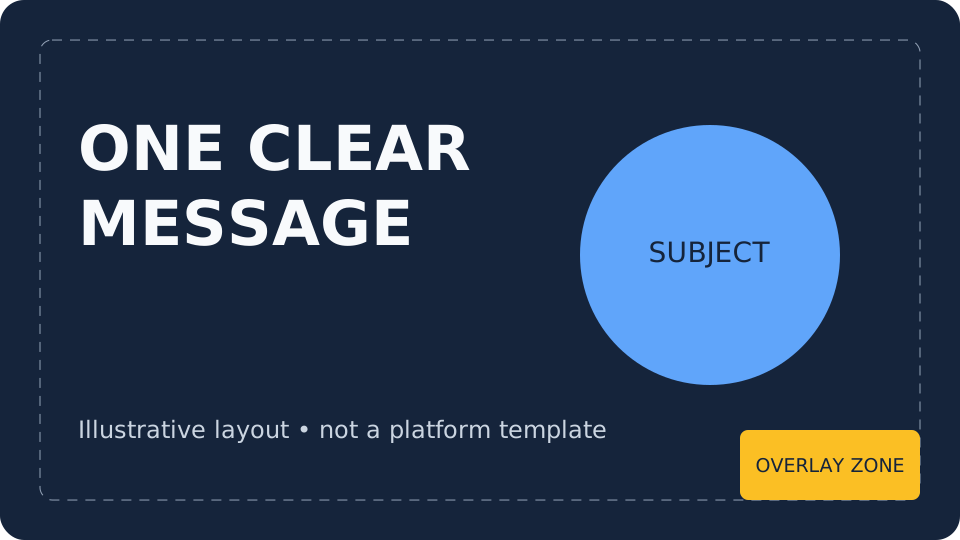
At a small preview size, texture and fine lettering can disappear. A face, product, or other main subject should still read as the subject without needing to zoom in. Put the checker’s timestamp overlay on and see whether it covers useful information. That overlay is an illustrative layout test, not an exact reproduction of every YouTube screen.
SocialThumbPro retains the ten most recent generated images in the Library. Older generations are removed as new ones are added. Download images you want to keep before they leave that rolling history.
Finally, inspect the upload preview inside YouTube Studio. A technically acceptable file can still misrepresent the video, have unreadable lettering, or obscure a subject. File checks and editorial checks are separate jobs.
Written for SocialThumbPro’s studio workflows. Example briefs are instructional, not customer results. About these guides · Report a correction
Check the actual download, make an intentional crop, review the small preview, and save your own final copy.
A real SocialThumbPro generation with exact inputs, the original download, a screw-detail review and a concrete next revision.
ReadAn original SocialThumbPro studio demo showing the complete coffee brief, unedited output, file measurements and a practical revision plan.
ReadA concrete layout exercise for choosing a subject, reducing clutter, and comparing thumbnail concepts without inventing CTR promises.
Read